Case study
Tennis Know-How: an online course platform for iOS, Android and web
Tennis coaches lacked the time and technical skills to record courses in a studio. We designed and built an online course platform: an iOS and Android app in Flutter in which a coach records a lesson straight from the court, and a web version with a creator panel.

For Tennis Know-How we designed and built a platform where coaches record courses straight from the court with a mobile app, and players take the lessons at home. In their own panel, creators add videos and descriptions, set the price and manage commission payouts.
Scope of work
- Industry
- Training and education
- Product type
- Online course platform (mobile and web)
- Market
- Sport / online education
Technologies
-
 Flutter
 - Product Management
 Flutter
Key facts
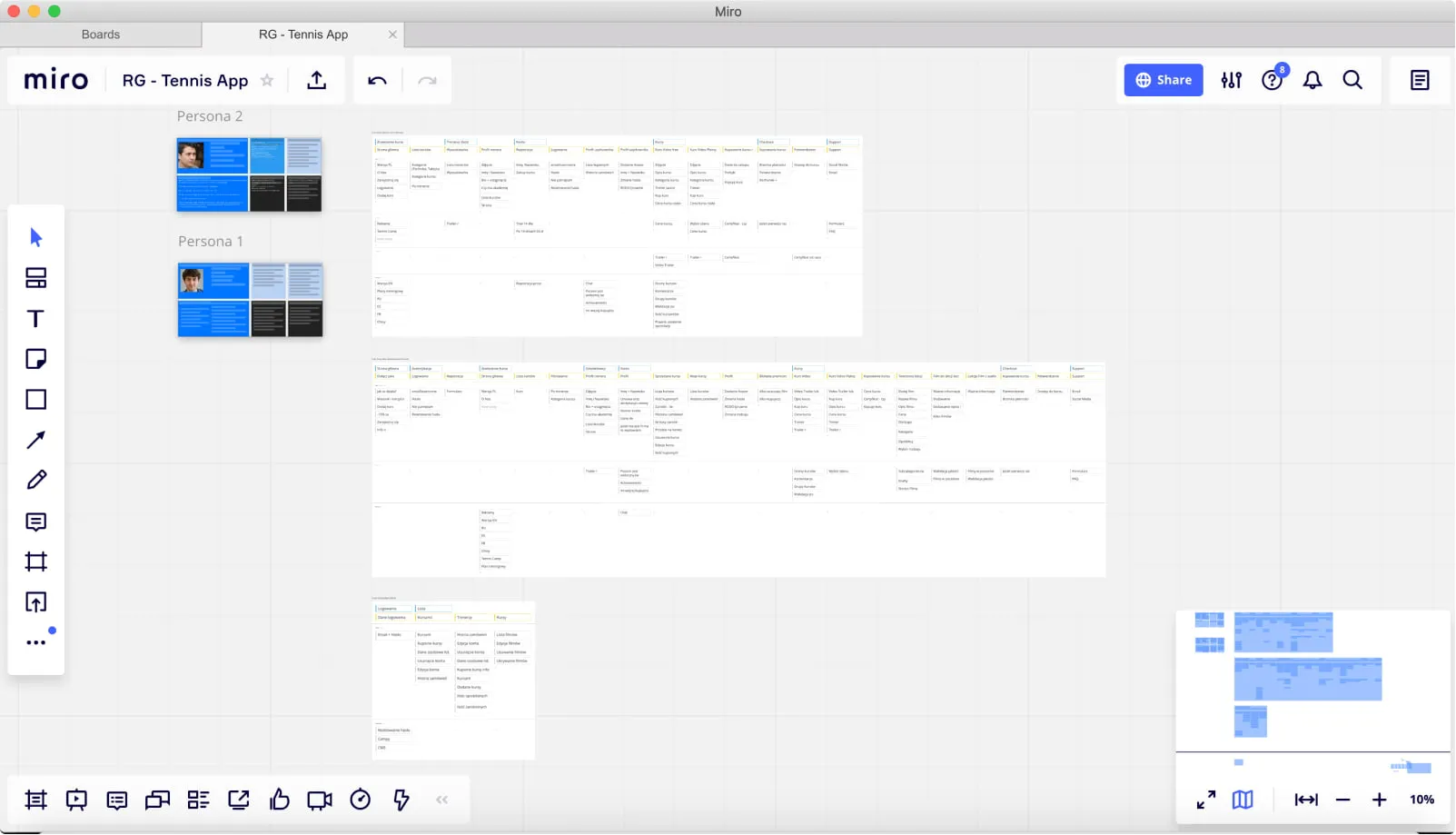
- Product workshops run online
- Wireframes for web and mobile products and a clickable lo-fi prototype
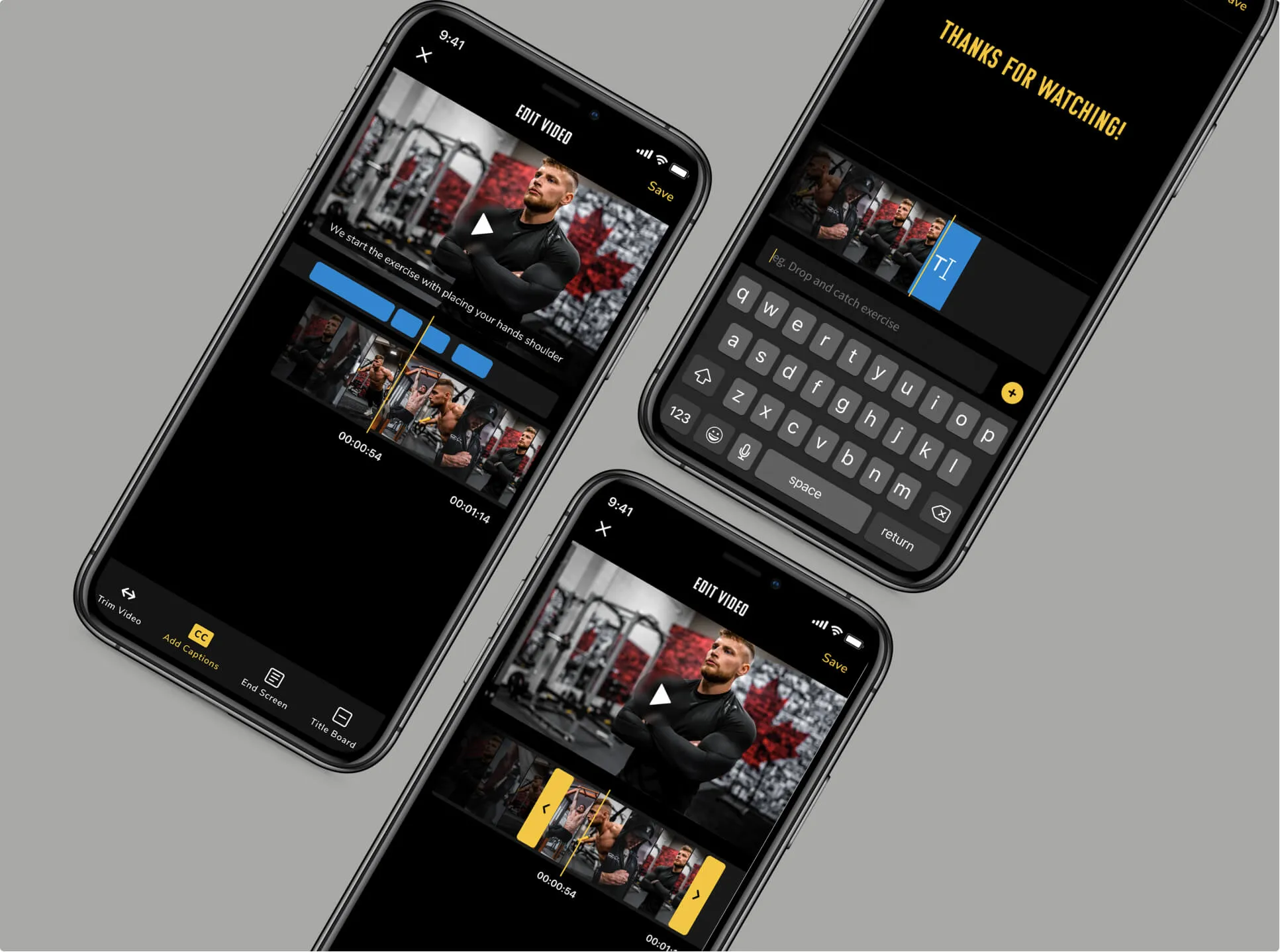
- Courses recorded directly on court in the mobile app
- iOS and Android app in Flutter with a Google Firebase database
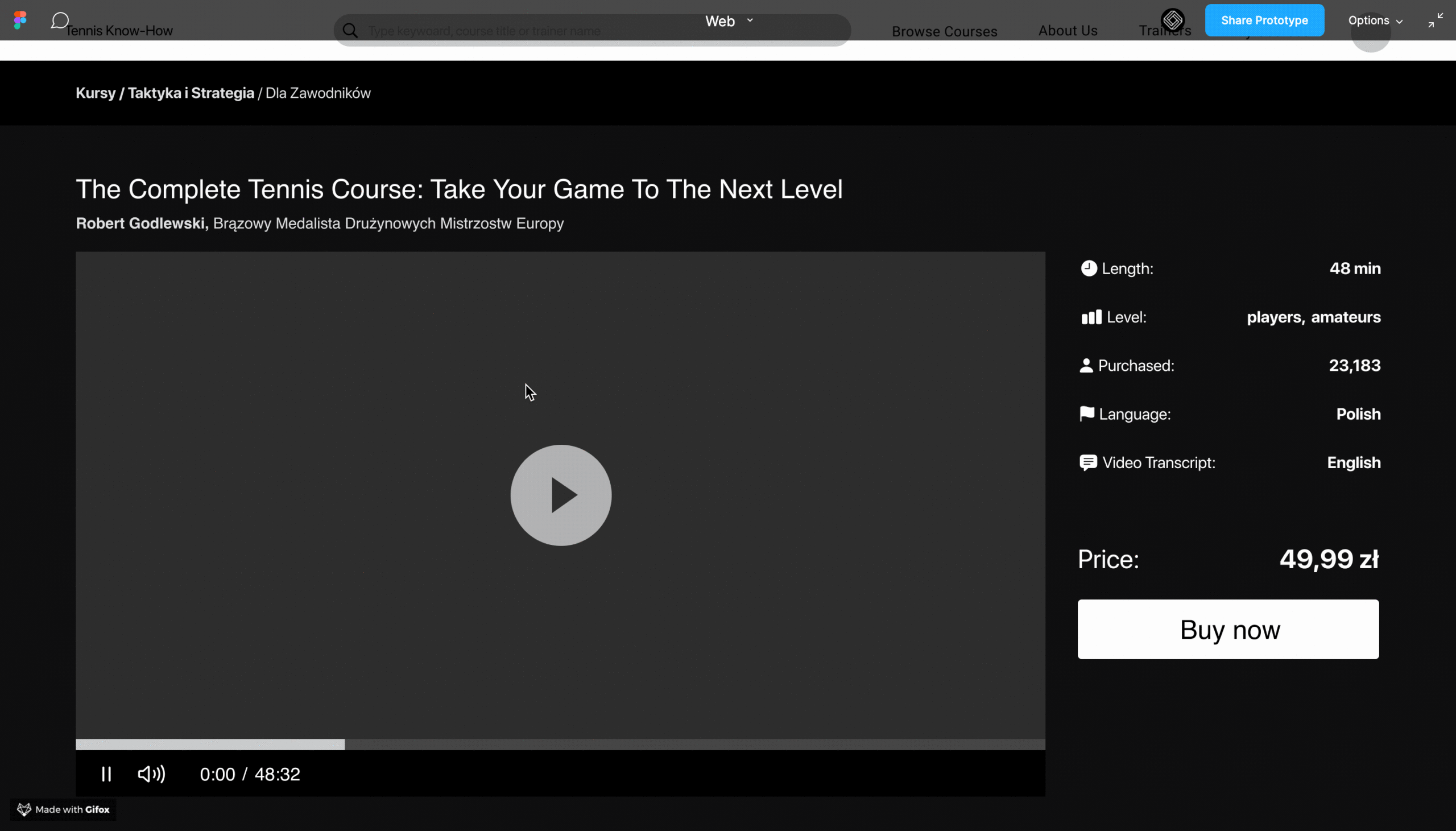
- Web version for desktop users
- Creator panel: videos, descriptions, prices and commission payouts
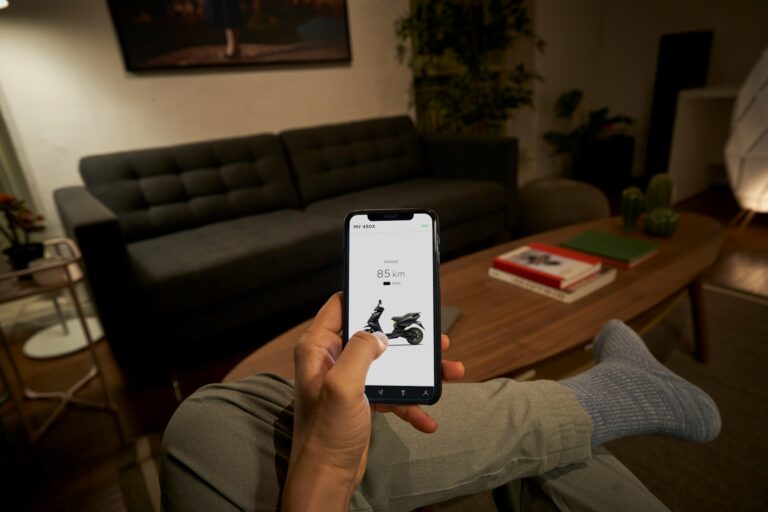
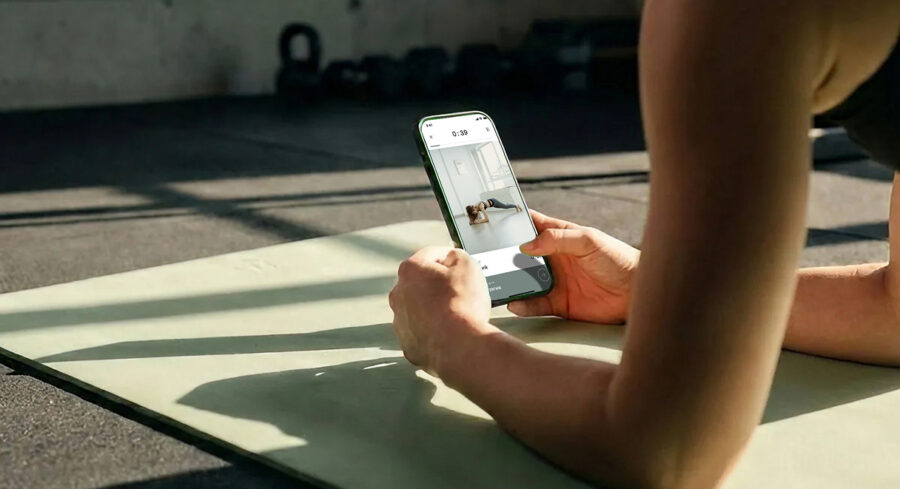
The coach records a lesson on court, and the player watches it at home.
Goals
01
Simple recording
Coaches are short on time and aren't technologists, so adding a course had to be quick and possible straight from the court.
02
Lessons from home
Take the user onto the court and give them lessons prepared by experienced players.
03
Earning from expertise
Let experts share what they know and earn from their courses.
Process
What we delivered
A platform that serves both sides of a course: the person recording it and the person learning from it.
- Recording on court - courses created directly in the mobile app, with no separate equipment or editing.
- iOS and Android app - a single cross-platform app in Flutter.
- Google Firebase - the database and other components hosted in Google's cloud.
- Web version - full functionality on a larger screen for desktop users.
- Creator panel - videos, descriptions, course prices and commission payout management.
Challenge: a course recorded without a studio or editing
The biggest obstacle was that coaches had little time and limited technical skills.
If recording a course meant a studio, editing and uploading files from a computer, coaches simply wouldn't do it. So the platform lets them create courses directly on the tennis court, using the mobile app. To design this well, we started by understanding the business goals and the users.
The course is made where the coach spends the day anyway: on court.
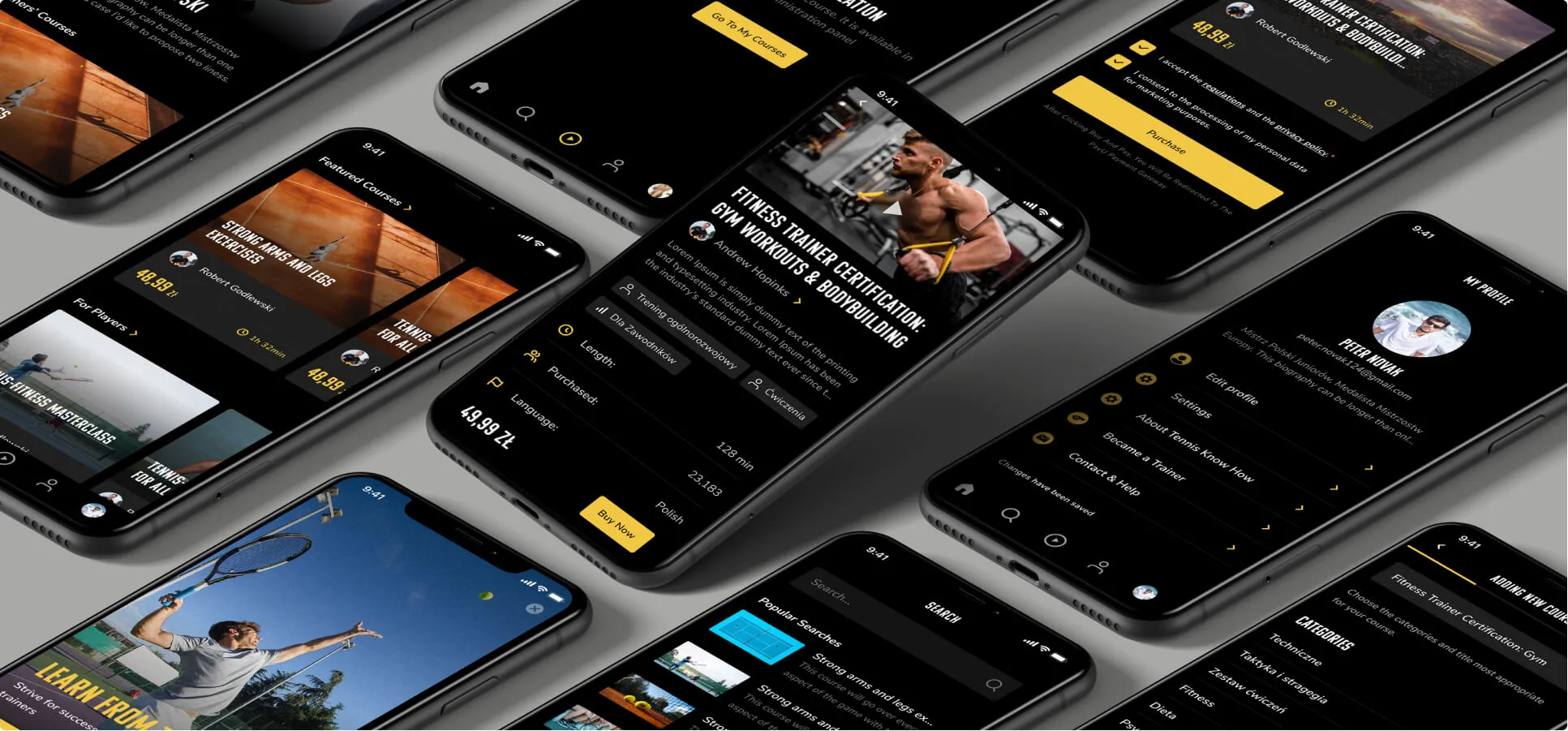
Solution: a Flutter app, a web version and a creator panel
Without leaving home, players take lessons prepared by experienced tennis players.
We chose a cross-platform solution in Flutter, with the database in Google Firebase. Keeping every component in Google's cloud significantly sped up development.
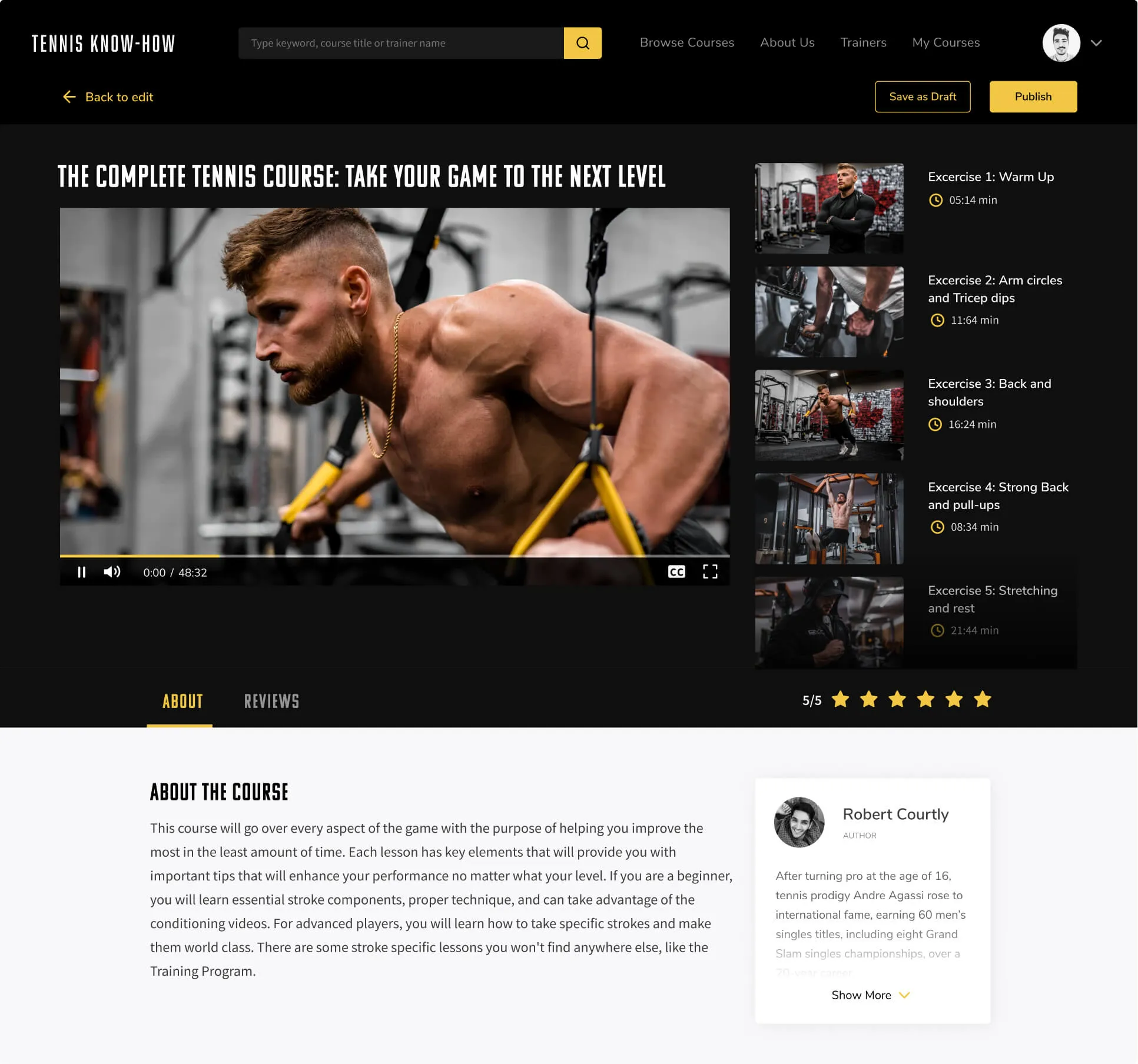
A desktop version
A web version was built alongside the mobile app. Desktop users get a larger screen and more extensive tools, so they have full functionality whatever device they use.
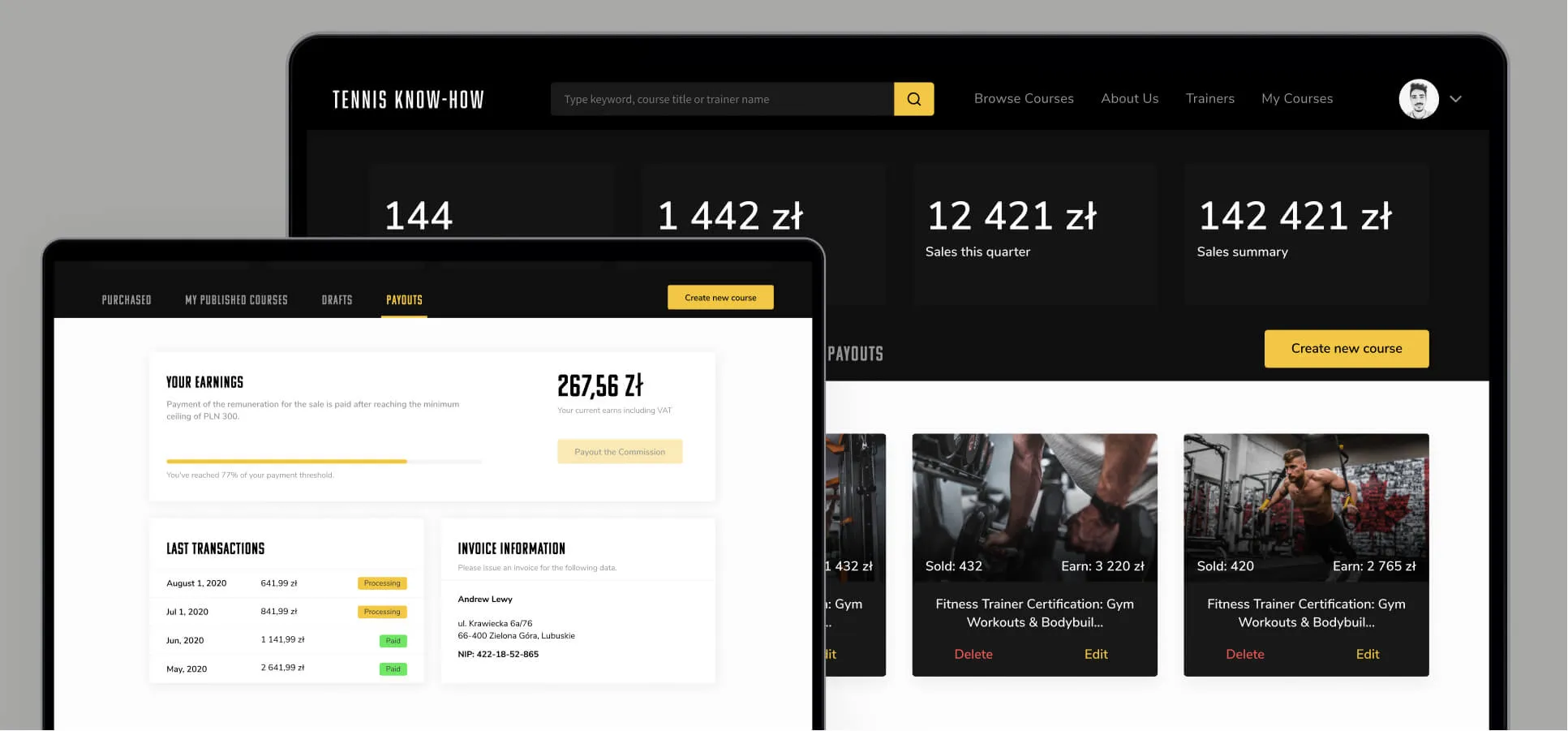
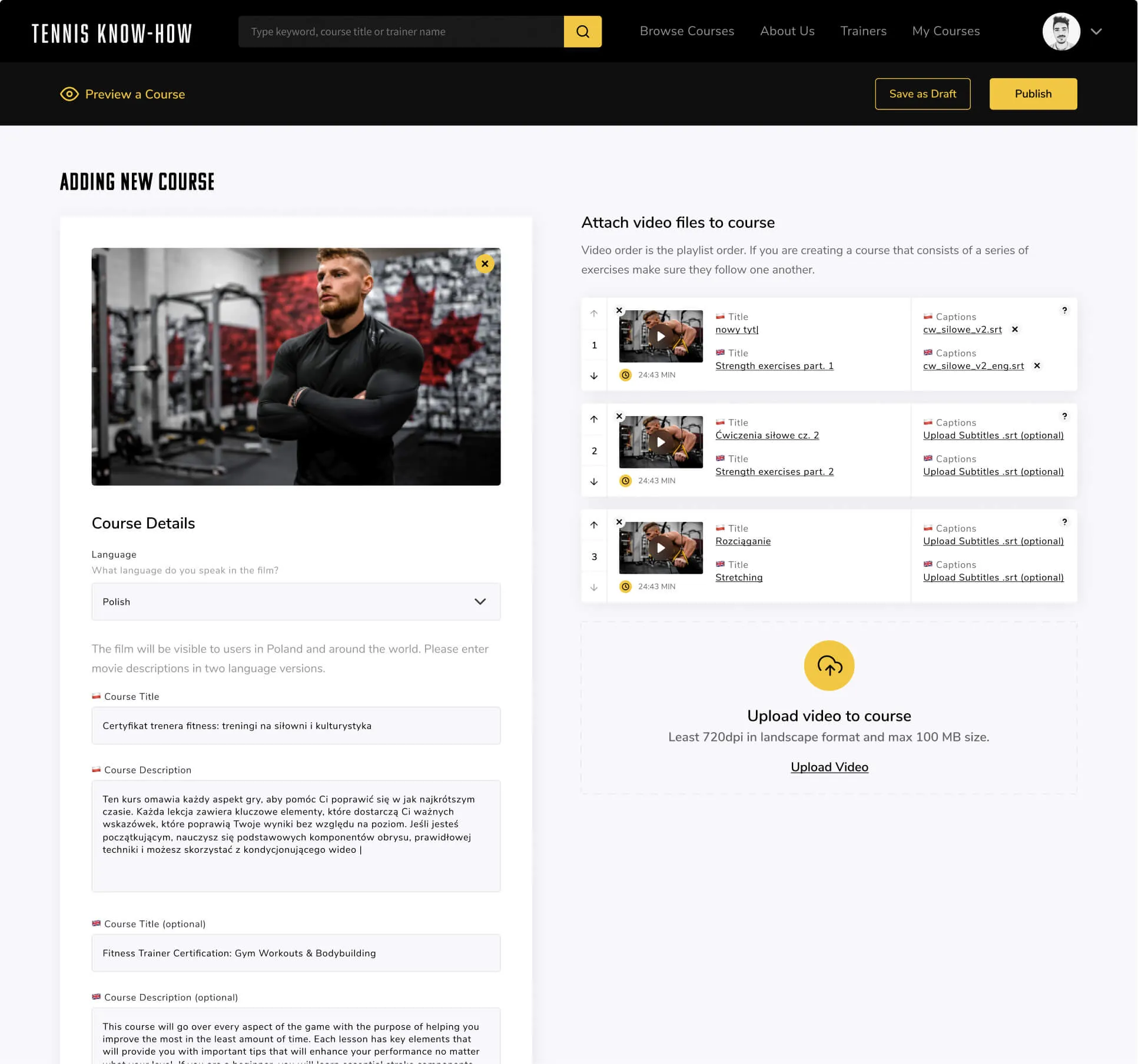
A panel for course creators
Creators have a panel available on the web and on mobile. There they add videos, write descriptions, set the course price and manage commission payouts. Tennis Know-How doesn't just teach players and coaches; it also lets experts earn from what they know.

Written by Radosław Kołacki Published Updated
Selling expert knowledge online?
We start with a workshop to work out how a creator adds a course and how a learner finds it.

Blog
Learn from our experts
Practical articles on researching, designing and delivering digital products.
 Mobile apps
Custom mobile app: stages from diagnosis to development
A custom mobile app project has four phases: diagnosis, design, development and optimisation. We describe the decision made in each and what remains afterwards.
12 Jan 2025 · Radosław Kołacki
Read more
Mobile apps
Custom mobile app: stages from diagnosis to development
A custom mobile app project has four phases: diagnosis, design, development and optimisation. We describe the decision made in each and what remains afterwards.
12 Jan 2025 · Radosław Kołacki
Read more
-
 Mobile apps
How much does it cost to build a mobile app?
17 Jul 2024 · Radosław Kołacki
Mobile apps
How much does it cost to build a mobile app?
17 Jul 2024 · Radosław Kołacki
-
 Business
Event Storming: what it is and how to run a workshop
15 Jul 2024 · Radosław Kołacki
Business
Event Storming: what it is and how to run a workshop
15 Jul 2024 · Radosław Kołacki
-
Business and UX metrics
Engagement rate in a SaaS product: how to calculate it, with 2 examples
13 Dec 2023 · Radosław Kołacki